AI for Graphic Design
- Weekdays only
- 12 Hours
- Prerequisites required
Leverage the power of AI tools and features in Photoshop, Illustrator, InDesign, and other Adobe apps in this hands-on class.
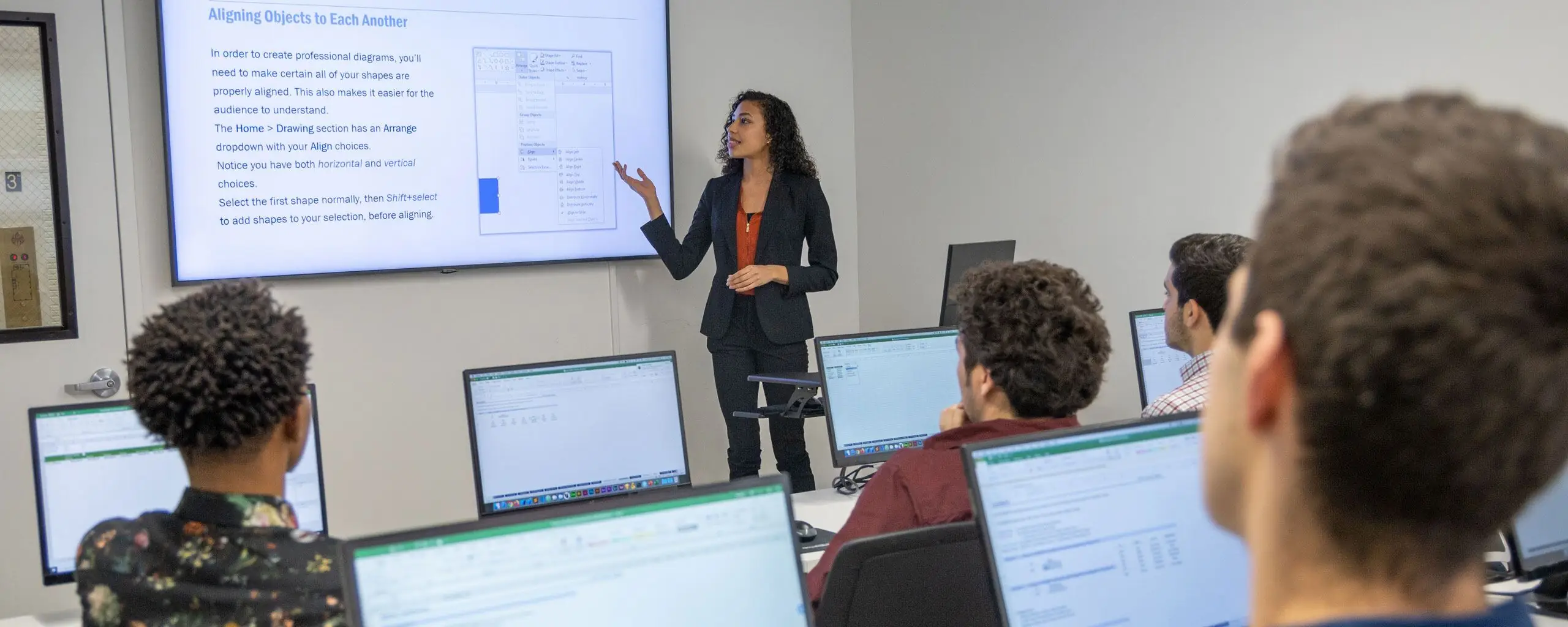
Hands-on Adobe Training
Our Adobe courses are instructor-led in our Manhattan classrooms or live online (virtual learning).
Leverage the power of AI tools and features in Photoshop, Illustrator, InDesign, and other Adobe apps in this hands-on class.
This 3-day bootcamp will take you from Photoshop novice to power user as you learn retouching, color correction, and other essential techniques. By the end of day 3, you'll have designed an entire brochure.
By the end of this bootcamp, you'll feel confident using tables and columns effectively, creating books and magazines, creating advanced text styles (such as drop caps), using XML with InDesign, and more!
In this 18-hour bootcamp, you'll learn to create vector art for designs and websites, create perspective drawings, and control your brushes to create a more natural brush stroke.
You’ll learn how to organize and import footage, exporting options, how to use the Timeline, create titles, work with PSDs, use audio tracks, and more. Then, we'll dive into more advanced features including multicam editing, color correction, speeding up footage, and stop-motion loops.
Get comfortable with After Effects by creating standalone videos, animations, special effects, animated titles, and more. Make professional videos for web and TV broadcast in no time at all.
In this 1-day course, you'll learn to retouch photos, improve contrast and color, add text, swap backgrounds, save files for print or web, and more.
Learn the fundamentals of Adobe InDesign in this one-day course. Lay out pages, customize text and graphics, experiment with various layouts, and explore unique text and image effects.
Learn the fundamentals of Illustrator with this one-day class. Create scalable vector graphics, draw with the Pen tool, and create stunning portfolio-worthy visuals.
In this one-day Premiere course, we'll introduce you to Premiere Pro's interface and features. Through hands-on projects, you'll learn all of the skills necessary to add this powerful software to your design repertoire.
This After Effects course will have you up and running quickly, as you learn to create animated GIFs, logos, transitions, and more. You'll get hands-on experience in a small class led by a leading motion graphics instructor.
Dive into the dynamic world of Adobe After Effects with this advanced course, designed to elevate your animation and motion graphics skills. From mastering 3D layers and custom shapes to optimizing animations with expressions, you'll create captivating visuals that stand out in any project.
Learn to use Cinema 4D Lite to create 3D models, animations, and motion graphics for your After Effects projects.


Drive team performance and efficiency with Career Centers’s industry-leading training. Send employees to our group classes or create a custom training program onsite.
Get a Free QuoteFrom our hands-on training style to world-class instructors and custom-crafted curriculum, we deliver results our alumni are proud of.

All times are listed in Eastern Time unless otherwise specified.
| Course, dates, and times | Price and duration | Description | Registration |
|---|---|---|---|
| October 2026 | |||
|
October 26
Monday
10am–5pm
|
$425
6 Hours
|
In this 1-day course, you'll learn to retouch photos, improve contrast and color, add text, swap backgrounds, save files for print or web, and more. |
|
|
October 26–28
Monday to Wednesday
10am–5pm
|
$975
18 Hours
|
This 3-day bootcamp will take you from Photoshop novice to power user as you learn retouching, color correction, and other essential techniques. By the end of day 3, you'll have designed an entire brochure. |
|
|
October 26 & 28
Monday & Wednesday
6–9pm
|
$425
6 Hours
|
Learn the fundamentals of Illustrator with this one-day class. Create scalable vector graphics, draw with the Pen tool, and create stunning portfolio-worthy visuals. |
|
|
October 26–November 11
Mondays & Wednesdays
6–9pm
|
$975
18 Hours
|
In this 18-hour bootcamp, you'll learn to create vector art for designs and websites, create perspective drawings, and control your brushes to create a more natural brush stroke. |
|
| November 2026 | |||
|
November 2
Monday
10am–5pm
|
$425
6 Hours
|
Learn the fundamentals of Illustrator with this one-day class. Create scalable vector graphics, draw with the Pen tool, and create stunning portfolio-worthy visuals. |
|
Showing 5 of 161 courses