Looking for corporate training?
We offer custom onsite training and discounted class vouchers.
corporate@nobledesktop.com(212) 684-5151
Download Syllabus
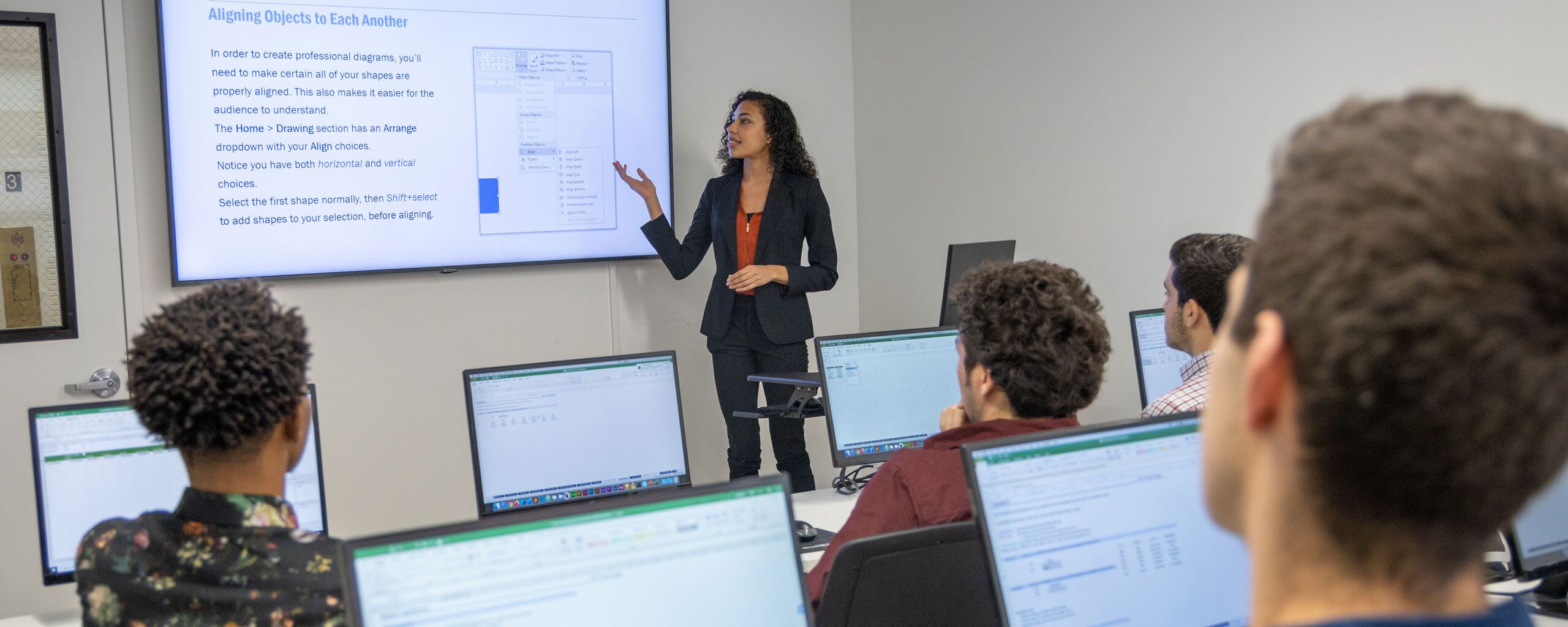
This course teaches students how to design compelling PowerPoint presentations by focusing on both content strategy and visual design. Students learn how to structure a clear narrative, manage content using presenter notes and outline view, and visualize data through charts, SmartArt, and photos. The course also covers typography, color harmonies, and working with master slides to establish consistent theme fonts and colors.
The course further explores photo composition, scaling, alignment, spacing, and text styling to ensure polished, detail-oriented slides. Students also learn how to use animation effectively, covering slide transitions, animating bullet points, and the Morph transition to create dynamic, professional presentations.
From our hands-on training style to world-class instructors and custom-crafted curriculum, we deliver results our alumni are proud of.

Learn the concepts and skills covered in this course or your tuition is on us. See details and terms & conditions.

Learn with real-world projects

Step-by-step instruction to boost retention
The Career Centers instructors are highly skilled communicators who really know their craft. They are wonderful about explaining and re-explaining when necessary and I never felt rushed or foolish for asking a question.
—Diane Speros

Gain industry knowledge from professionals
Retake the course for free within one year
Attend this course in-person in NYC or live online. Engage with expert instructors, ask questions, and get feedback on your exercises and projects.
Unlike other providers, these are not mass open-enrollment classes. At NYC Career Centers, you’ll learn in small groups (typically 8-15 students) and receive personalized attention.
Get face-to-face interaction with an instructor and other students when you learn at our 185 Madison Avenue, NYC campus. Courses are hands-on with a computer and software provided.
Get the same interactivity and access to the instructor as in-person students. There are no extra fees and we’ll work with you to ensure your remote setup is perfect.


Upon completion of this course, you’ll receive an official certificate testifying to your mastery of the curriculum. We’ll send you a link where you can download your certificate, share it online with your friends, post it to your professional network on LinkedIn, and view all your earned certificates. Congratulations on your achievement!
Shareable on


We offer a single free retake of the class within a year.
You can also access recordings of each session in your student portal within one business day of the session’s end. Recordings are available for one month after the session.


Yes, this course is open to beginners. Students must be comfortable using a computer. No other prior knowledge is required.
This course does not qualify for payment plans or student financing. See our Payment Plan FAQ to find related programs that qualify.
You may attend this training virtually (online) at the scheduled time the course is offered (New York, Eastern Time).
You have some options:
There are no extra fees or taxes for our courses. The price you see on this page is the maximum you’ll pay us.
We don’t currently offer discounts as we do our best to affordably prices our courses.


We offer custom onsite training and discounted class vouchers.
corporate@nobledesktop.com
