Looking for corporate training?
We offer custom onsite training and discounted class vouchers.
corporate@nobledesktop.com(212) 684-5151
Download Syllabus
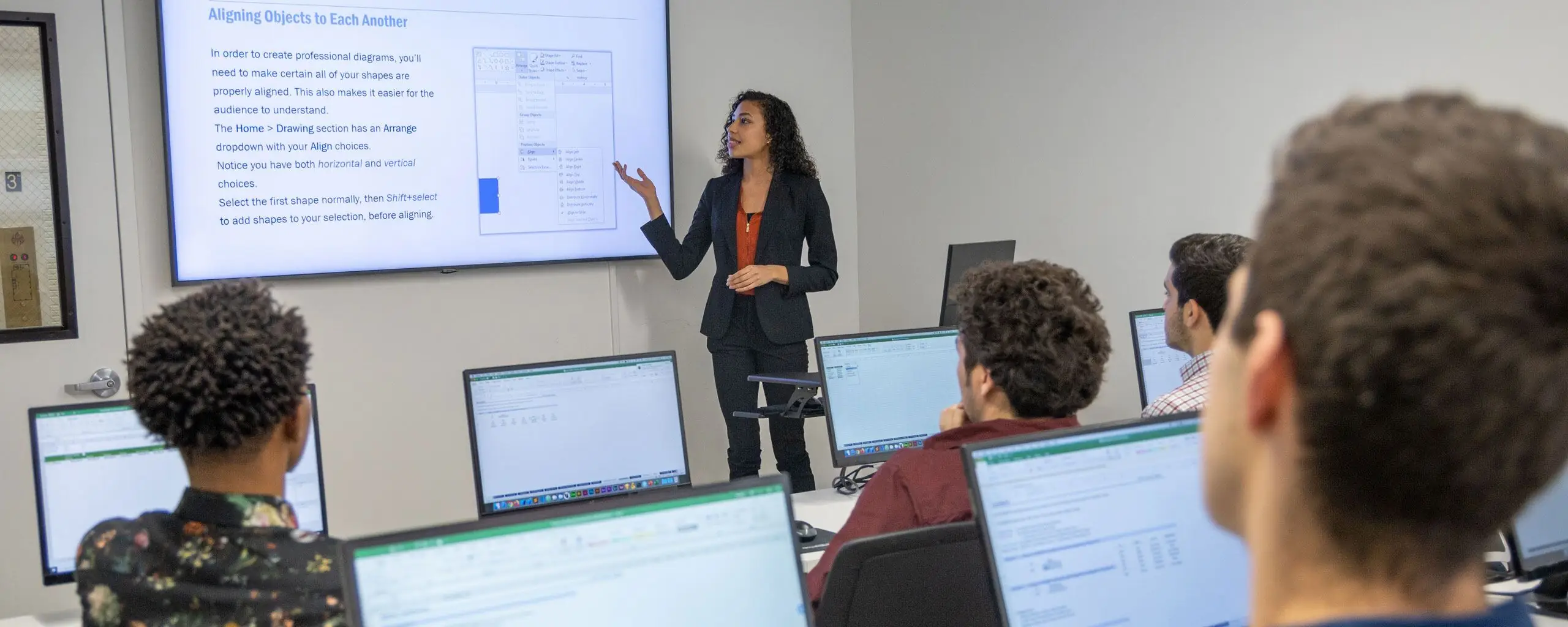
This class is designed for those who have a solid grasp of Figma’s basics and want to advance their prototyping skills.
In this class, you’ll learn how to use sections, variables, variable modes, and conditionals to add advanced, realistic functionality to your prototypes.
You’ll also learn how variables are used to create design systems, including light and dark modes. You’ll explore how to use variable collections to create primitive and semantic layers that help create design systems that are easier to use and modify.
Students should have Figma knowledge equivalent to our Figma Bootcamp.

From our hands-on training style to world-class instructors and custom-crafted curriculum, we deliver results our alumni are proud of.

Learn the concepts and skills covered in this course or your tuition is on us. See details and terms & conditions.

Learn with real-world projects

Step-by-step instruction to boost retention
The Career Centers instructors are highly skilled communicators who really know their craft. They are wonderful about explaining and re-explaining when necessary and I never felt rushed or foolish for asking a question.
—Diane Speros

Gain industry knowledge from professionals
Retake the course for free within one year
Attend this course live online or as self-paced training. Engage with expert instructors, ask questions, and get feedback on your exercises and projects.
Unlike other providers, these are not mass open-enrollment classes. At NYC Career Centers, you’ll learn in small groups (typically 8-15 students) and receive personalized attention.
Get the same interactivity and access to the instructor as in-person students. There are no extra fees and we’ll work with you to ensure your remote setup is perfect.
Learn at your own pace with pre-recorded video lessons and hands-on exercises. Work through the material on your schedule with access to course content and resources.

Upon completion of this course, you’ll receive an official certificate testifying to your mastery of the curriculum. We’ll send you a link where you can download your certificate, share it online with your friends, post it to your professional network on LinkedIn, and view all your earned certificates. Congratulations on your achievement!
Shareable on


We offer a single free retake of the class within a year.
You can also access recordings of each session in your student portal within one business day of the session’s end. Recordings are available for 30 days after the session.


Students should have Figma knowledge equivalent to our Figma Bootcamp.
This course does not qualify for payment plans or student financing. See our Payment Plan FAQ to find related programs that qualify.
Live online attendance is available for selected upcoming dates. Check the schedule for each date's attendance format and time zone before enrolling.
You have some options:
There are no extra fees or taxes for our courses. The price you see on this page is the maximum you’ll pay us.
However, if you plan to take the course live online, you may need to obtain required software. We’ll help you get set up with a free trial of paid software prior to the class. Most of our coding classes utilize freely-available open-source software. For most of our design and motion graphics courses, we will help you get set up with a free trial of Adobe Creative Cloud. If you attend the course in-person, we will have a computer already set up for you with all of the required software for no additional cost.


We offer custom onsite training and discounted class vouchers.
corporate@nobledesktop.com
